One click from the menu bar
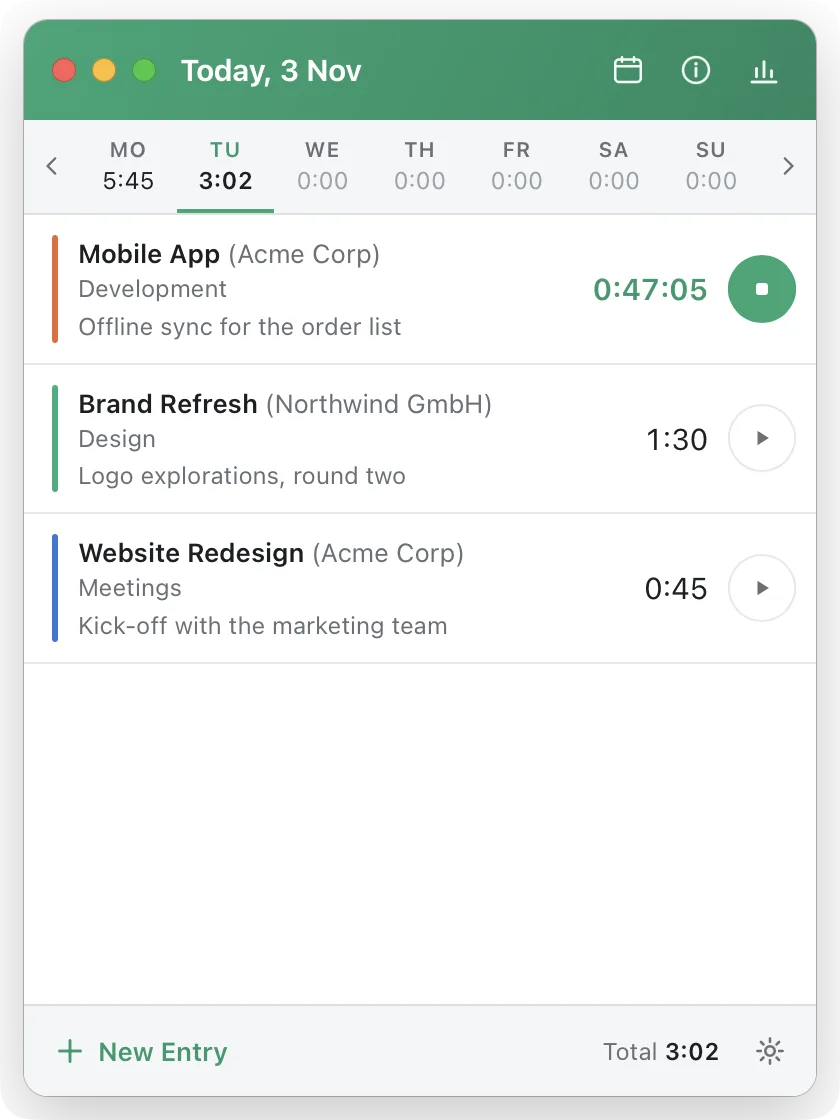
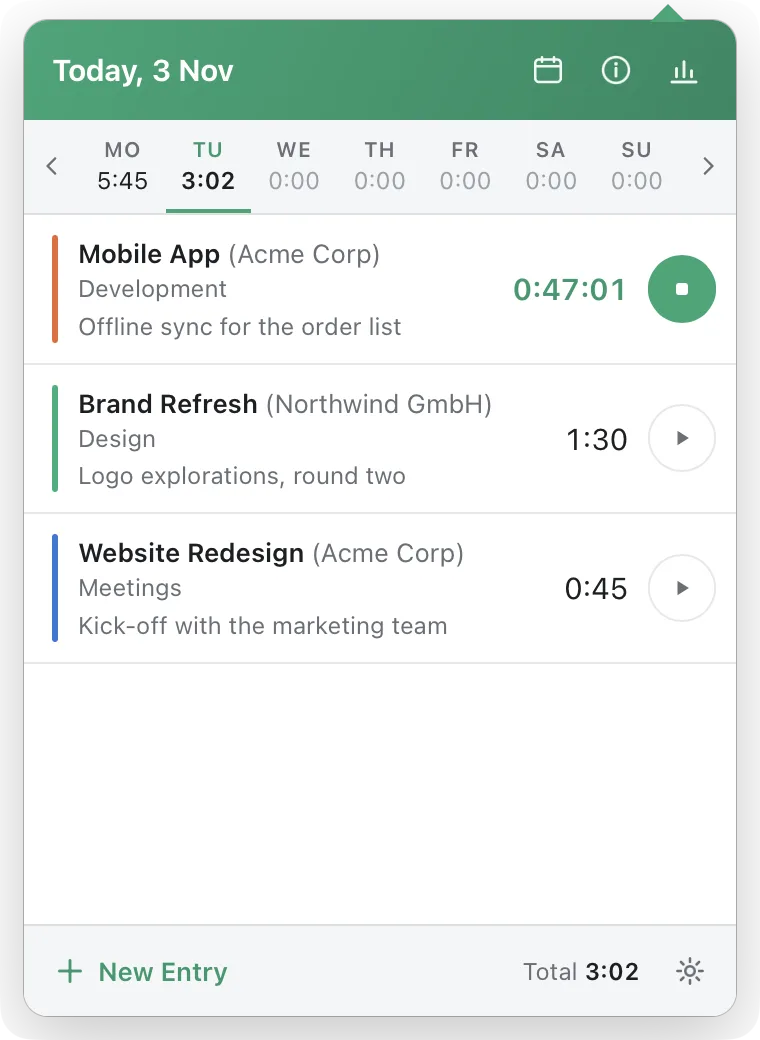
The timer is always in the menu bar. Click ▶ to pick up where you left off and ‖ to stop. Click the time and the day drops down: what you’ve tracked, a week at a glance, and a quick form for new time. On Windows and Linux it lives in the system tray.
Tear it off
Drag the popover’s header away from the menu bar and it becomes a window of its own that stays open while you work. Drag it back under the timer and it snaps home. It remembers where you put it.
Clients, projects and tasks
Clients hold the billing details. Projects belong to a client, and tasks are what you track against, each with an hourly rate. Mark a task as common and every new project gets it.
- Any currency
- Net 7 to 90, or custom
- Tax %
- Discount %
Reports when you want them
Open the dashboard for a weekly timesheet and reports. You get hours by day and project, breakdowns by client, project or task, and a billing summary with each client’s discount and tax applied. Export any range to CSV.
measured with no window open
Tiny when you’re not looking
With no window open there’s no web view running at all, just the timer. Windows open when you need them and close their memory again when you don’t.
Yours, on your computer
No account and nothing in the cloud. Everything is in one SQLite file you can back up like anything else.
Make it yours
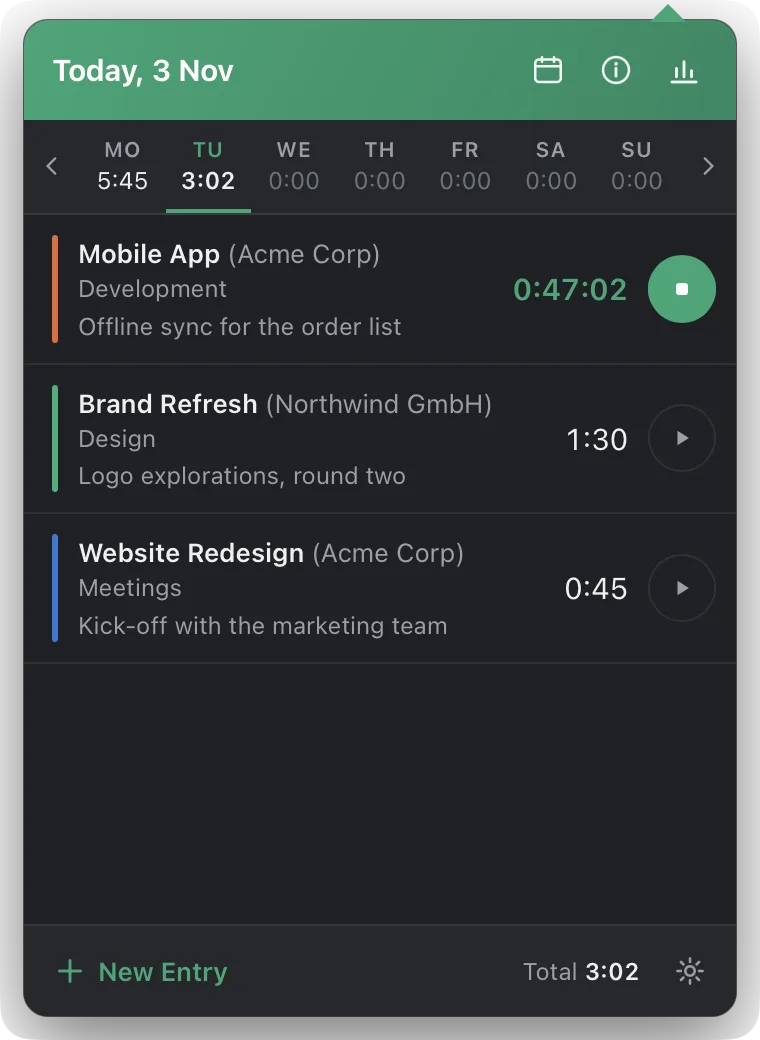
Light or dark, or follow your system. Pick any accent color: it tints the app and the menu-bar timer. It notices when you walk away from a running timer, and global shortcuts work from any app.