
Money accounts and reconciling
Money accounts in the sidebar lists where your money is: bank accounts, credit cards and cash.
Adding an account
Add account, then give it a Name, its Type, the date to Start tracking from, and the Balance on that date (for a card, the amount owed). Start from a date you have a statement for, so the balance is easy to check.
An account you've closed can be archived; it drops out of lists but its history stays. Show archived brings it back into view.
The register
Click an account to see its register: every transaction in and out, with the running balance. It has its own New expense, New income and New transfer (Pay off card for a credit card), and Export CSV.
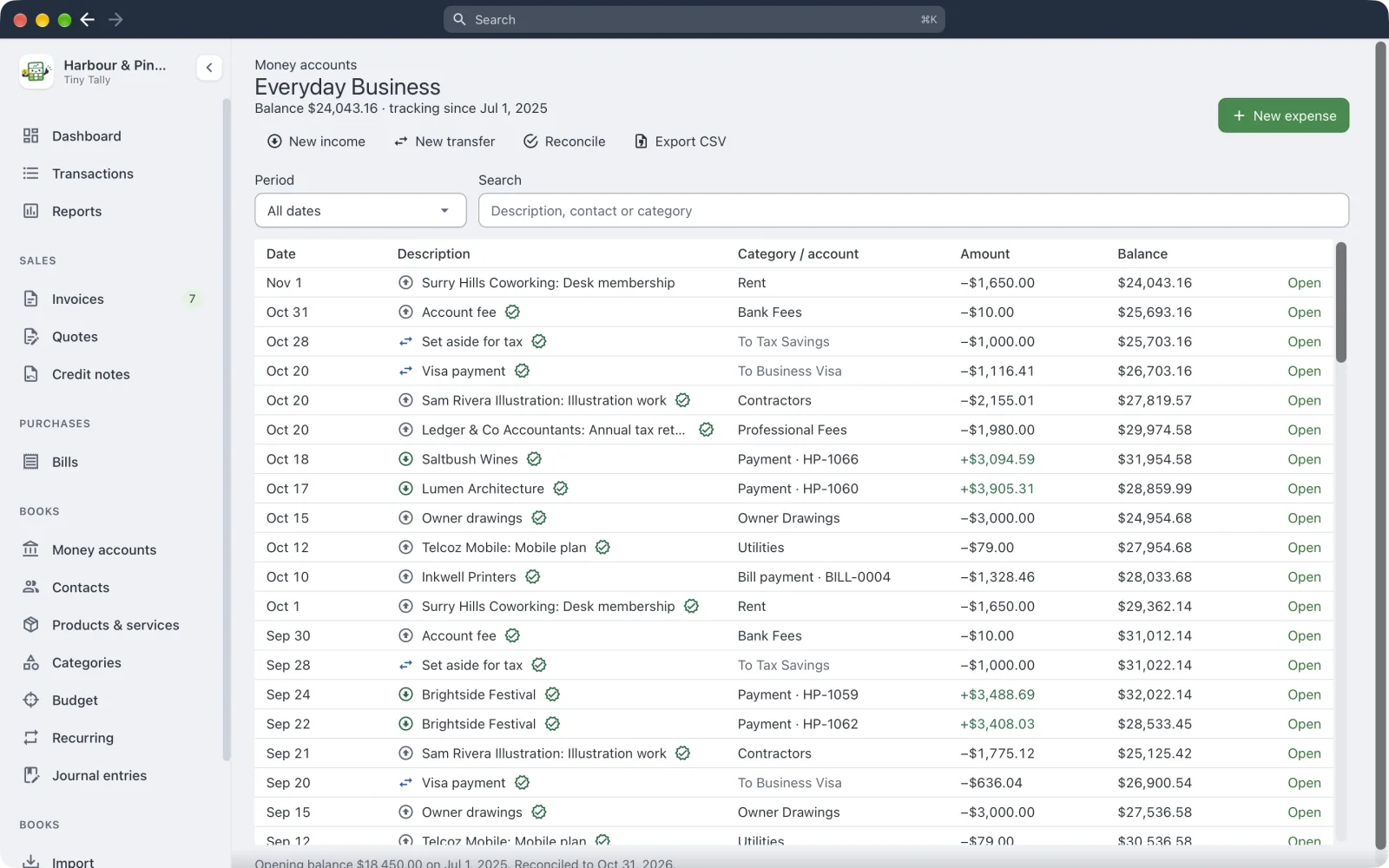 An account's register with its running balance
Reconciling
Reconciling checks your books against the bank's statement, so you know nothing's missing or doubled up.
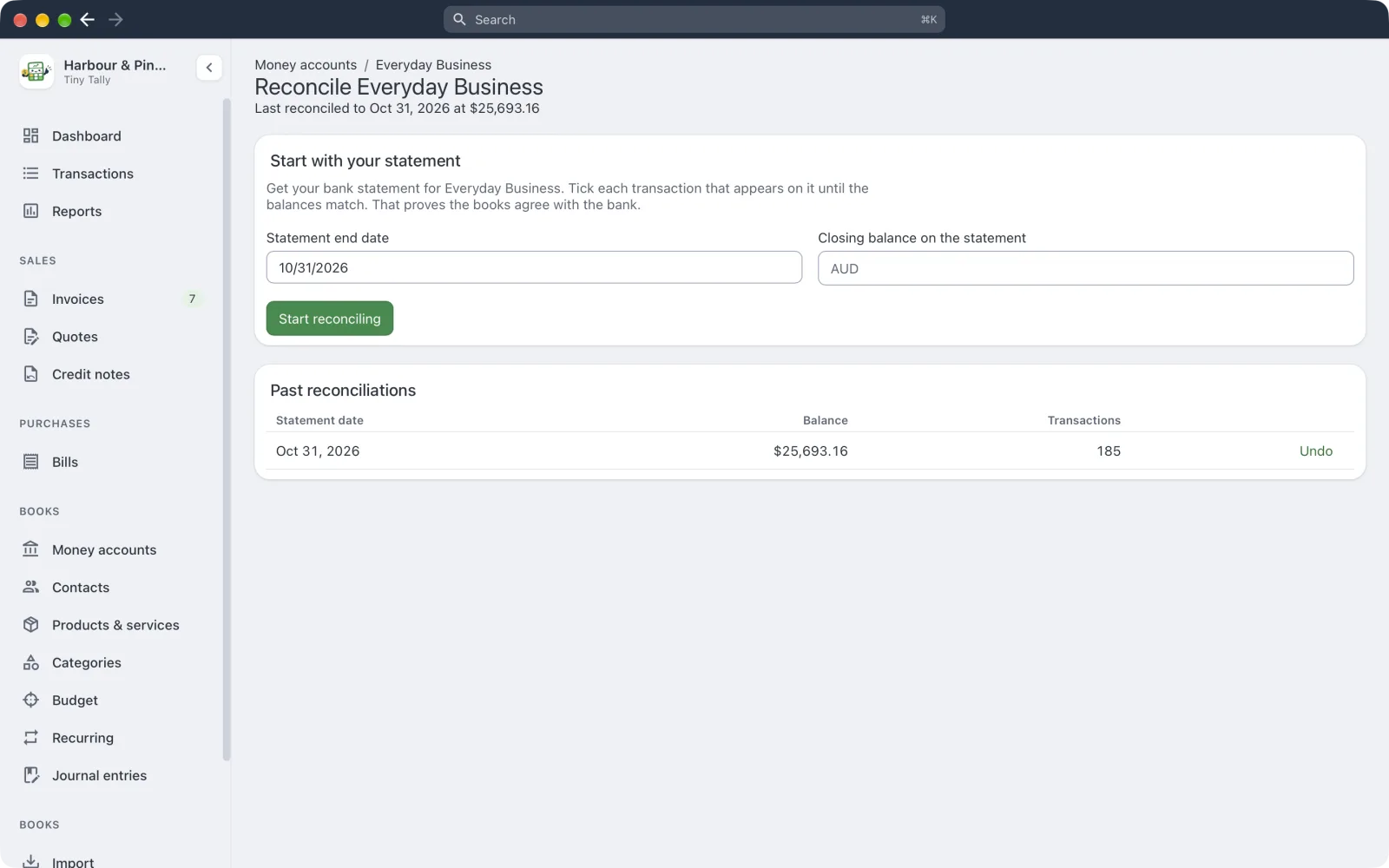 Reconciling an account
- Choose Reconcile on the account.
- Enter the Statement end date and the Closing balance on the statement (for a card, the amount owed), then Start reconciling.
- Tick each transaction that's on the statement. Tick all shown helps when everything's there; Match statement file… ticks them for you from the bank's OFX, QBO, CSV or Excel file and lists anything it couldn't match, with an Add button for each.
- When Difference is zero, Finish.
Something on the statement missing from your books? Add missing transaction. Changed your mind? Stop clears your ticks; Change statement fixes the date or balance.
Reconciled transactions get a tick in your lists. Past reconciliations lists the earlier ones, and the most recent can be undone.