Settings
There are two kinds: settings for these books, which are kept in the books file, and settings for the app on this computer.
Books settings
Settings in the sidebar (⌥⌘,):
- Your name, financial year start, tax ID, Logo, and a Colour for the sidebar, to tell sets of books apart. The country can't be changed.
- How amounts are shown in the app and on documents.
- Trading names. See Templates and trading names.
- Tax: whether you're registered, how often you report, cash or accrual, and whether invoice prices include GST by default.
- Invoices: prefixes and next numbers for each kind of document.
- Lock date. See Locking past periods.
- Books file: show it in Finder, back up now, or close the books.
App settings
⌘, on a Mac, or File → App Settings… on Windows and Linux:
- Theme: System, Light or Dark.
- Density: Compact, Regular or Spacious. Size: 90% to 125%.
- Collapse the sidebar to icons.
- Open the last books when Tiny Tally starts.
Theme and density are also in the View menu.
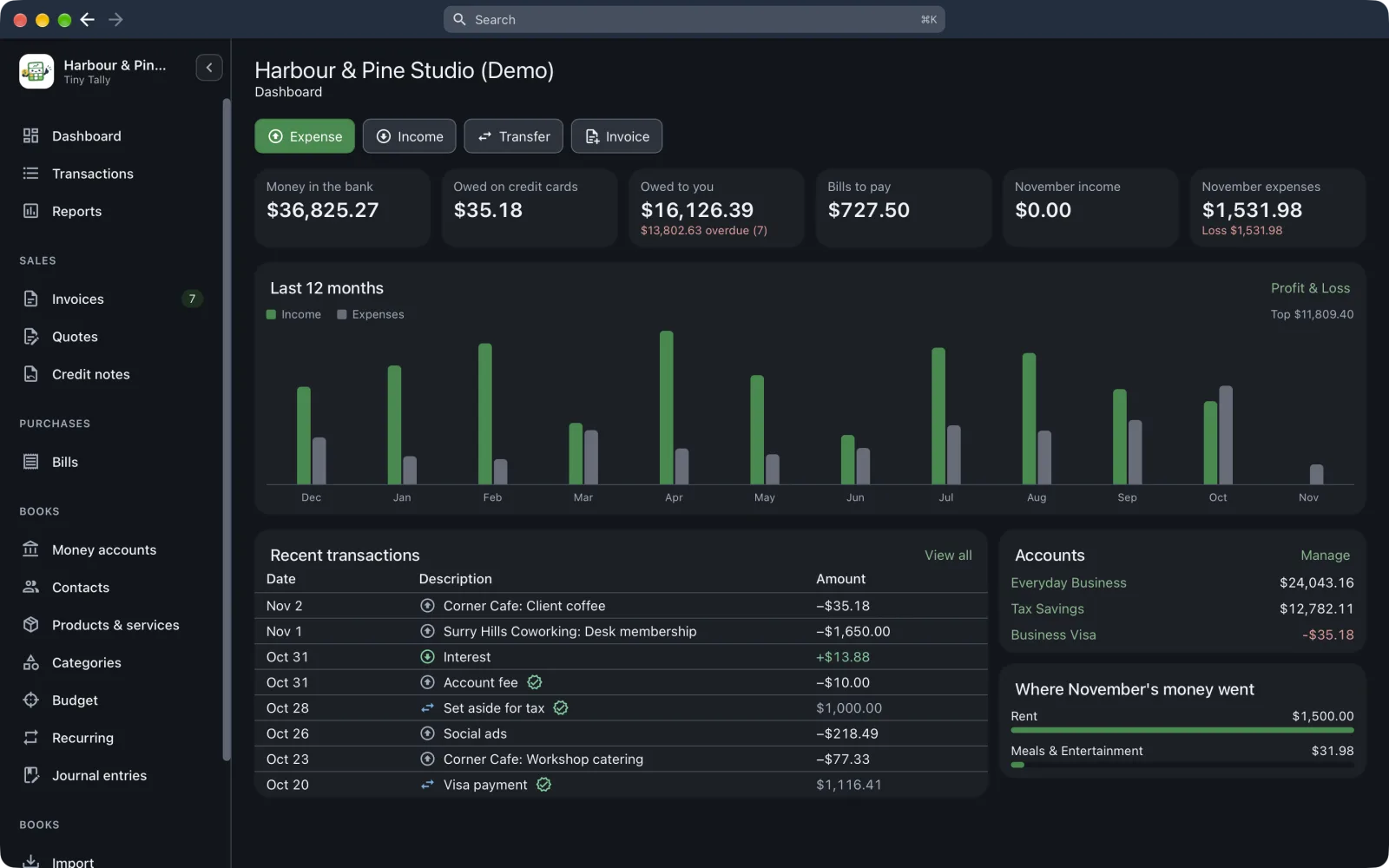 The dashboard in dark mode
Updates
Tiny Tally checks for a new version when it starts and once a day. When one's ready you'll see Tiny Tally X is ready: choose Restart and update, or Later. Check for Updates… is in the Tiny Tally menu on a Mac, and the Help menu on Windows and Linux.